Guide
CleanMyMac and Manual Mac Cleanup
CleanMyMac is a third-party application from MacPaw. MacStartup does not publish it, sell it, or speak for MacPaw.
This page is an independent explanation. It is not a CleanMyMac manual, not a feature list, and not a benchmark. MacPaw has not reviewed or endorsed MacStartup. If you want the publisher’s own description, use MacPaw’s site.
What CleanMyMac is
CleanMyMac is cleanup software. People install it and use the controls the application provides. “Clean my Mac,” as a search, often leads to that product or to similar tools. The application belongs to its publisher. MacStartup has no control over its updates, its license, or what it offers to remove.
What manual cleanup is
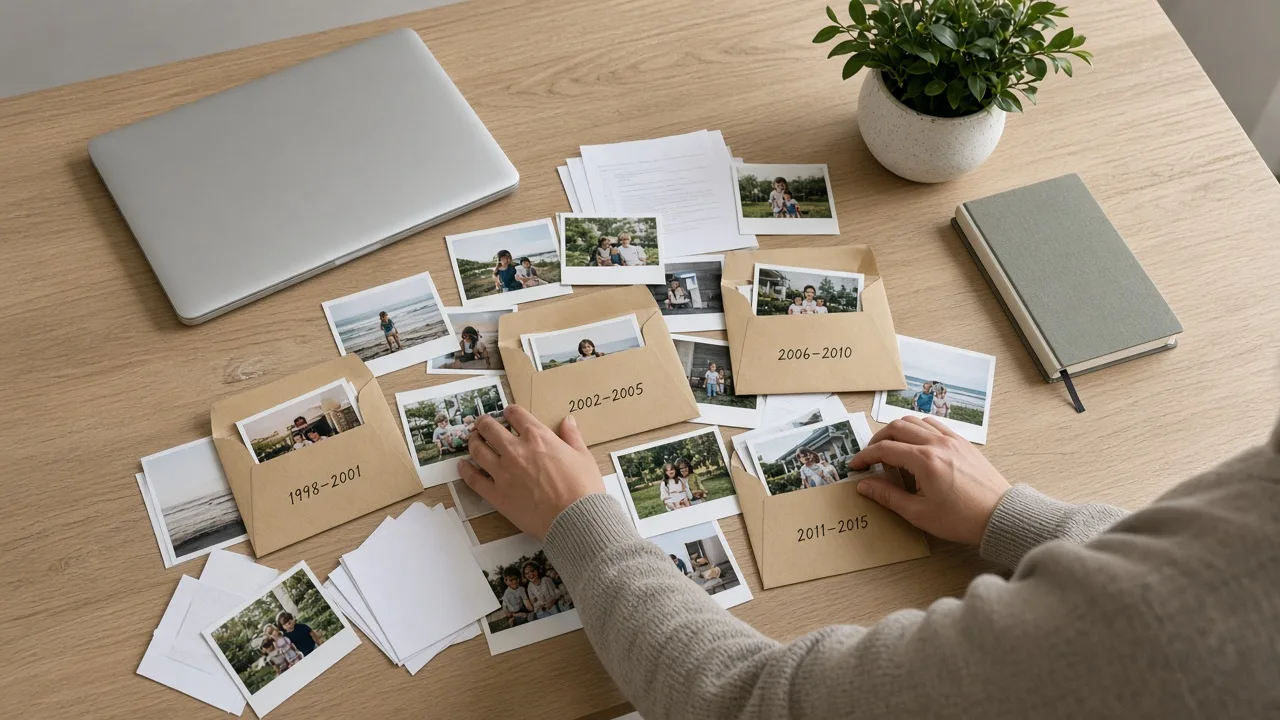
Manual Mac cleanup, as used on this site, means you sort files you created. You name folders, move documents and photographs, and decide which downloads you still want. No extra application is required for that work. The practical steps are in how to organize Mac files andhow to clean up Mac storage.
How MacStartup is different from both
MacStartup teaches file organization. You describe what you want to learn, and you organize your own files. The teaching does not ship as an app, and it does not require CleanMyMac. It also does not replace CleanMyMac for someone who wants that application’s own tools.
The broader category is explained inMac cleaner tools explained. Related training isMac File Organization Training andMac Storage Management Guidance.
Safety
- Whether you use software or your own folders, do not remove system files to chase free space.
- Back up before any bulk deletion. The Trash is not a backup.
- A cleanup app and a filing lesson can both be irrelevant to a hardware fault. This site does not repair Macs.