Training

Mac File Organization Training

Learn a folder structure you can explain to yourself six months from now.
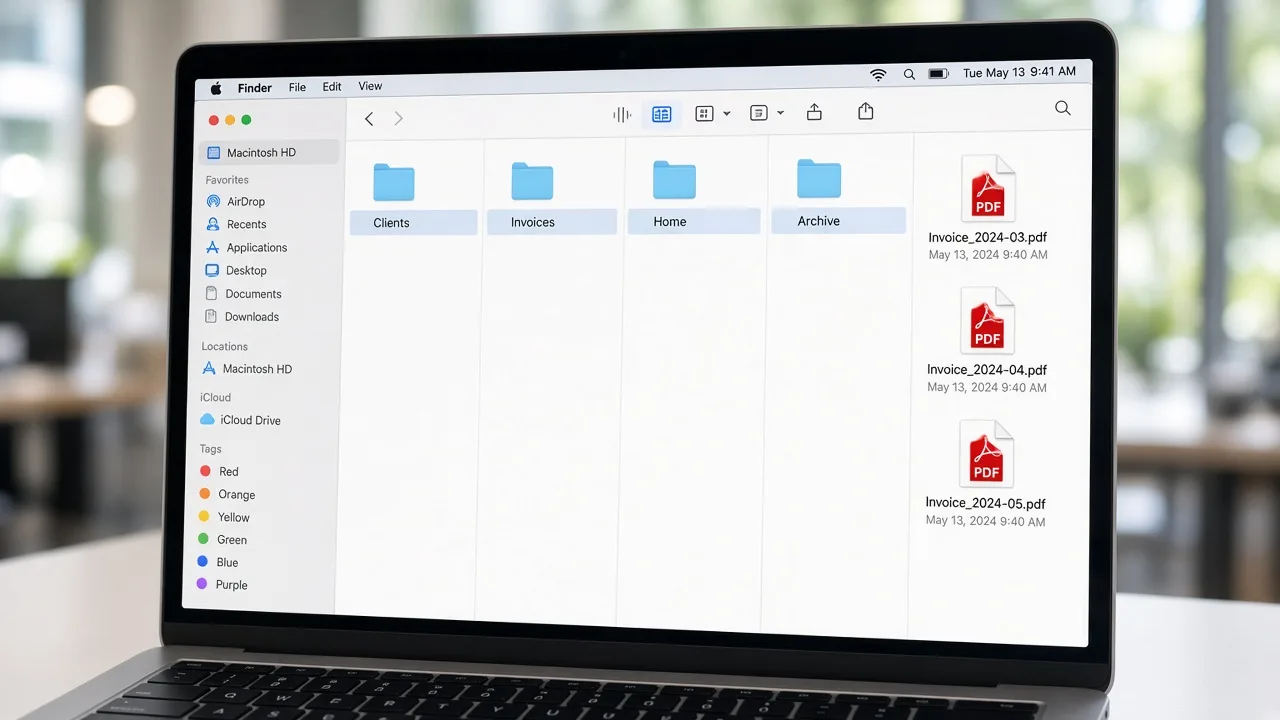
The photograph shows an example folder layout on a laptop. It is not your screen and not software MacStartup provides.

What this file organization training covers

Mac file organization training teaches digital housekeeping for content you created or saved: documents, exports, downloads, and project folders. You learn how to arrange those materials so the next person who opens the Mac—often you—can tell where a file belongs.

This is education, not computer repair, software installation, or a cleanup application. MacStartup does not ship a tool that rearranges a disk, and it does not organize files on your device. A consultation request is reviewed first. You make any moves yourself after the approach is agreed.

When files become hard to trust

  • The same project exists in three folders with slightly different names
  • Downloads has become the default home for finished work
  • A shared Mac mixes household files with client work
  • Nobody can tell which copy is the one to keep

What the training can include

  • A suggested folder map for the areas you want to learn to organize
  • Plain naming examples for projects, years, or clients
  • A way to compare likely duplicates before you remove anything
  • A short practice note for filing the next batch so the structure survives
  • Follow-up questions inside a scope you and MacStartup agree

How a training request proceeds

  1. 1

    Describe what you want to learn

    Tell us which folders feel unreliable and who else uses them.

  2. 2

    Name the file types

    Documents, photos, exports, or a mix—the lesson depends on what is actually there.

  3. 3

    Review a suggested map

    You see the suggested structure before you rearrange anything.

  4. 4

    Apply it yourself

    You move or keep files. Follow-up stays inside the scope that was agreed.

The photograph shows an example folder layout on a laptop. It is not your screen and not software MacStartup provides.

What you can do after the training

The photograph shows an example folder layout on a laptop. It is not your screen and not software MacStartup provides.

  • Give a current project one obvious folder
  • Park older work in an archive without blocking the desktop
  • Use names someone else can follow without a private system
  • Start the next cleanup from a map instead of a guess

Before you remove a file

  • Keep a backup you can restore before you make large moves or delete anything.
  • MacStartup does not delete files on your Mac and does not remove system files.
  • Learning to organize files can make them easier to find. It is not a promise that the Mac will run faster.

Questions about this training

Practical limits of the guidance, including what is not included.

Can I learn this from the guides alone?

Yes. The guides explain a basic sort. Training is optional when a collection is larger than you want to untangle from an article alone.

Will MacStartup delete files on my Mac?

No. You decide what to remove, on your own device. Training does not include signing in to your Mac.

Is training available for a business as well as a household?

Yes. The same request covers personal archives and business files. The folder examples follow the way that group already talks about its work.

Related training

Request Mac File Organization Training

Describe what you want to learn. Submitting the form does not confirm a booking, and MacStartup does not organize files on your Mac.