Mac File Organization Training
Training for sorting personal and business files into a structure you maintain yourself.
Training
Learn which of your files are using the space before you throw anything away.
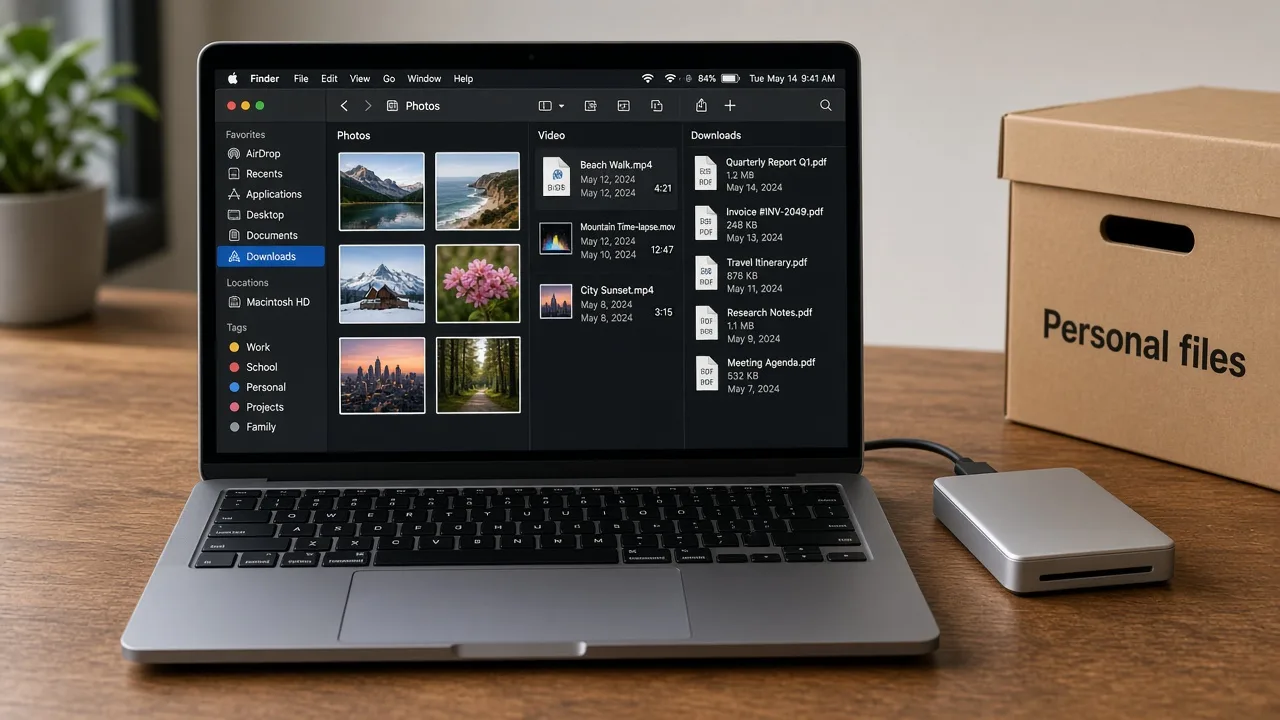
Mac storage cleanup, in this guidance, means learning to review space occupied by files you saved: downloads, video exports, disk images you already installed, duplicate folders, and archives that no longer match a current project.
macOS can show storage categories in System Settings. Those categories are a starting point for your own review. They are not an instruction to delete everything in a large group. MacStartup does not provide disk-cleaning software and does not delete files on your Mac.
Confirm you can restore personal files before you change them.
Learn to use the categories macOS already shows, then look inside folders you own.
You list large files and likely duplicates so you can open and compare them.
Nothing is deleted for you. A consultation does not authorize a sweep.
The photograph shows an example review of photos, videos, and downloads. It is not a live reading from your Mac and not a MacStartup application.
Practical limits of the guidance, including what is not included.
No. The guidance uses storage information already on the Mac and decisions you make. Cleanup applications are separate products.
No. You choose any deletion. A large file is not removed because of its size alone.
No. This is storage education. It is not technical support or computer repair.